Your face.
Any vibe.
One tap.
Upload your photos once. Browse hundreds of styles. Generate stunning AI portraits of yourself instantly.
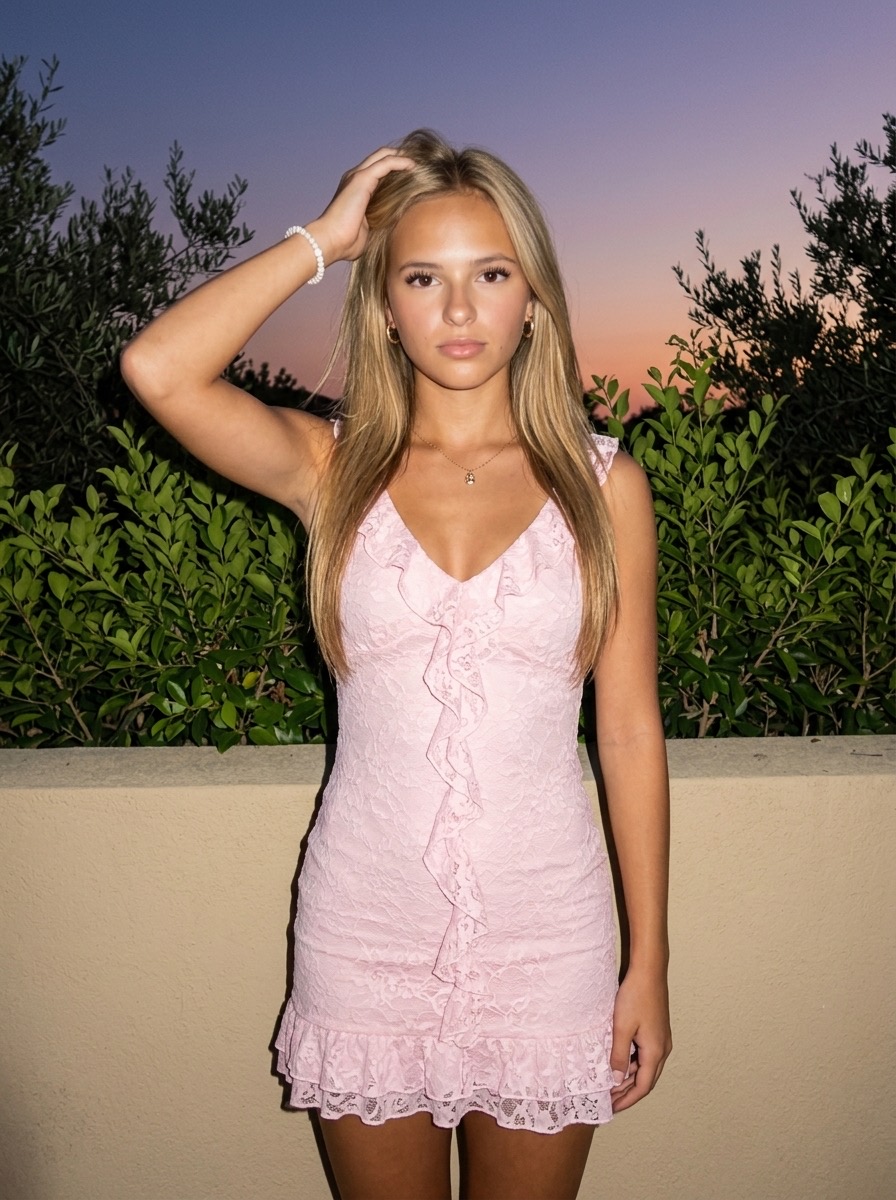
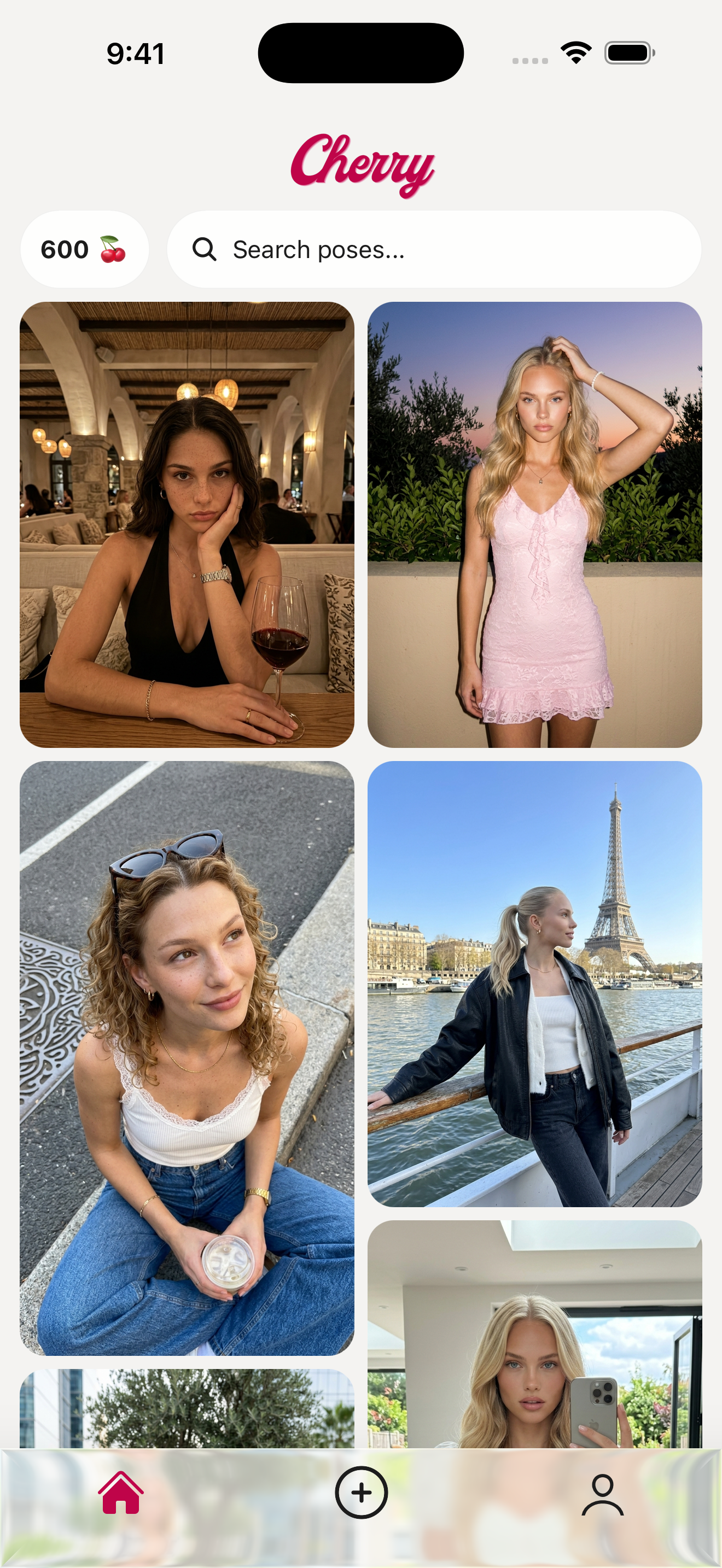
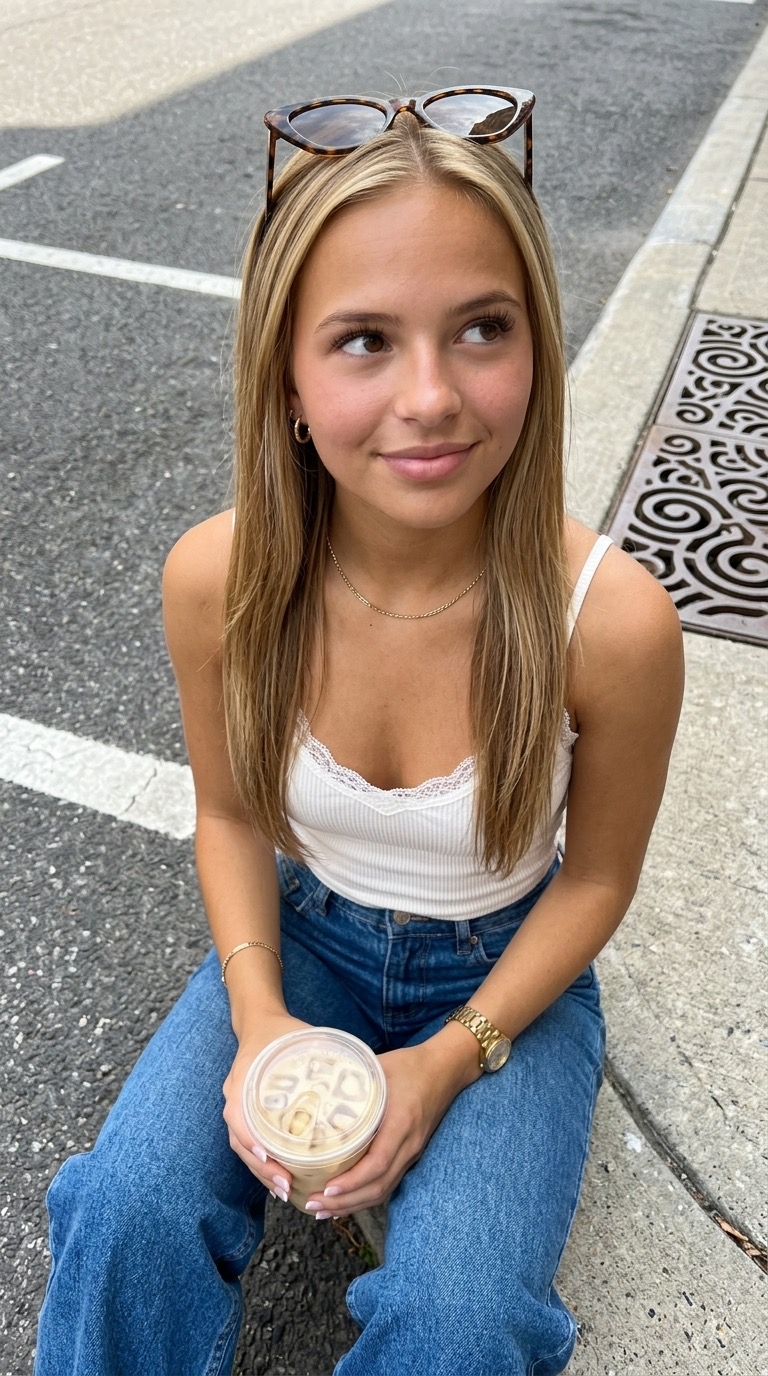
Upload your photos once. Browse hundreds of styles. Generate stunning AI portraits of yourself instantly.
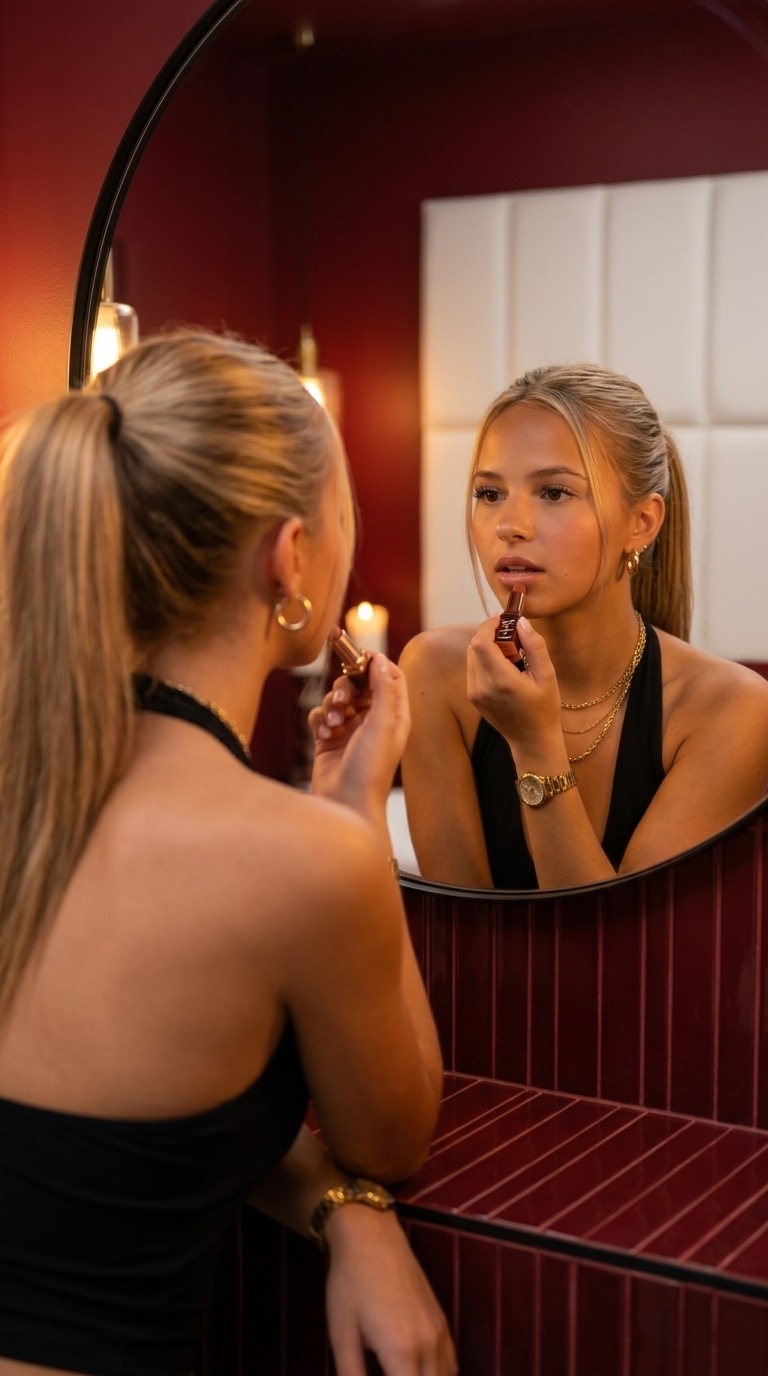
Every portrait is uniquely you — generated from your photos in seconds.


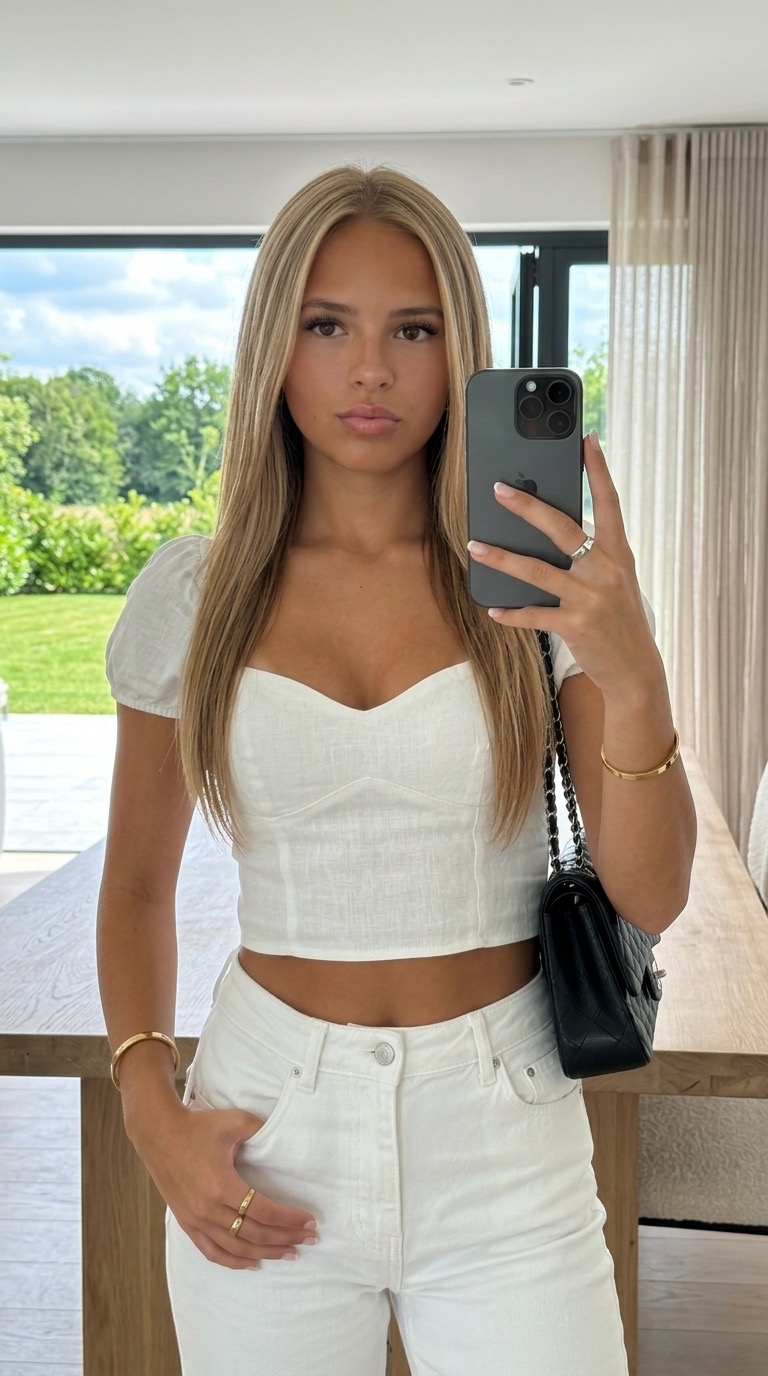



Provide 5 photos: front face, left & right profiles, half body, and full body.
Browse hundreds of high-end styles, gorgeous outfits, and cinematic scenes.
Tap a template. Your stunning, photorealistic AI portrait is ready in seconds.
Your face in every photo, not a random AI avatar. Cherry trains on your appearance specifically for unmatched realism.
New styles added every week. From golden hour glow to high fashion editorial, find your perfect look.
No complex prompts, no settings, no guesswork. Just pick a look and tap generate.
Crisp high-resolution exports with perfect aspect ratios. Ready to post directly to your feed.
Everything you need to know about generating AI portraits with Cherry.
Cherry is an AI portrait generator app for iPhone. You upload 5 reference photos of yourself once, browse hundreds of curated style templates, and tap to generate photorealistic AI portraits of yourself in seconds. Cherry can create aesthetic portraits, professional headshots, AI avatars, and editorial-style photos — all featuring your actual face.
Cherry works in three steps. First, you upload 5 reference photos: front face, left 45° profile, right 45° profile, half body, and full body. Second, you browse the explore feed or search hundreds of aesthetic templates. Third, you tap any template and Cherry generates a photorealistic AI portrait of you in that style. Generation completes in seconds — there is no model training step to wait through.
Cherry needs 5 reference photos: a clear front-facing photo of your face, a left 45° profile, a right 45° profile, a half body photo, and a full body photo. You upload these only once — they are reused for every portrait you generate.
A few seconds. Cherry uses an instant-inference image model, so portraits are generated in real time as soon as you tap a template. Unlike training-based AI photo apps that require 20 or more minutes to train a personal model, Cherry skips the wait entirely.
No. Your reference photos are used solely as input to generate your portraits, at your direction. They are never used to train, fine-tune, or improve any AI or machine learning model. You can delete your reference photos and account data at any time from inside the app.
Reference photos are stored privately in encrypted storage in the United States. They are never shared, sold, or used to train AI models. Cherry does not collect precise location, contacts, or financial information. Apple and Google handle all payments — Cherry never sees card details. Cherry complies with GDPR, CCPA, and the Illinois Biometric Information Privacy Act (BIPA). See our Privacy Policy for full details.
Cherry offers hundreds of curated styles, with new templates added every week. Categories include cinematic editorial portraits, fashion looks, golden-hour photography, professional studio headshots, vintage film, fine art, glamour, casual lifestyle, and many more. You can also create custom portraits from scratch using your own prompts.
Cherry is free to download, browse, and explore. Generating AI portraits requires either a Starter or Creator subscription (with monthly and discounted annual plans) or a one-time credit pack — you'll see current prices inside the app and on the App Store listing. Each 2K portrait costs 10 credits and each 4K portrait costs 20 credits.
Three things set Cherry apart. First, no training delay — Cherry generates portraits in seconds, while training-based apps make you wait 20 or more minutes. Second, curated style templates — instead of writing prompts, you tap from hundreds of designer-curated looks. Third, real likeness preservation — Cherry keeps your actual face, so portraits look like you, not a generic AI character.
Cherry runs on iPhone with iOS 15.1 or later, on Macs with the Apple M1 chip or newer running macOS 12 and above, and on Apple Vision Pro. An Android version is coming soon — join the waitlist to be notified at launch.

Available now on iOS. Free to download.